


Congratulations
You just purchased your first (or maybe a new) Battery Tender® battery charger — welcome to the family! Your batteries are sure to thank you.
We know that reading a product manual can be overwhelming or confusing, so learning about the light indicators on Battery Tender® battery chargers can prove to be a challenge. We're breaking it down into easy-to-understand examples so you know exactly what your charger is trying to tell you! Read on to learn about the indicator lights across the full Battery Tender® lineup — from everyday battery chargers to solar maintainers and jump starters.
A Quick Guide to Battery Tender® Light Indicators
Here's a quick-hit reference guide for what each light on your Battery Tender® charger is telling you:
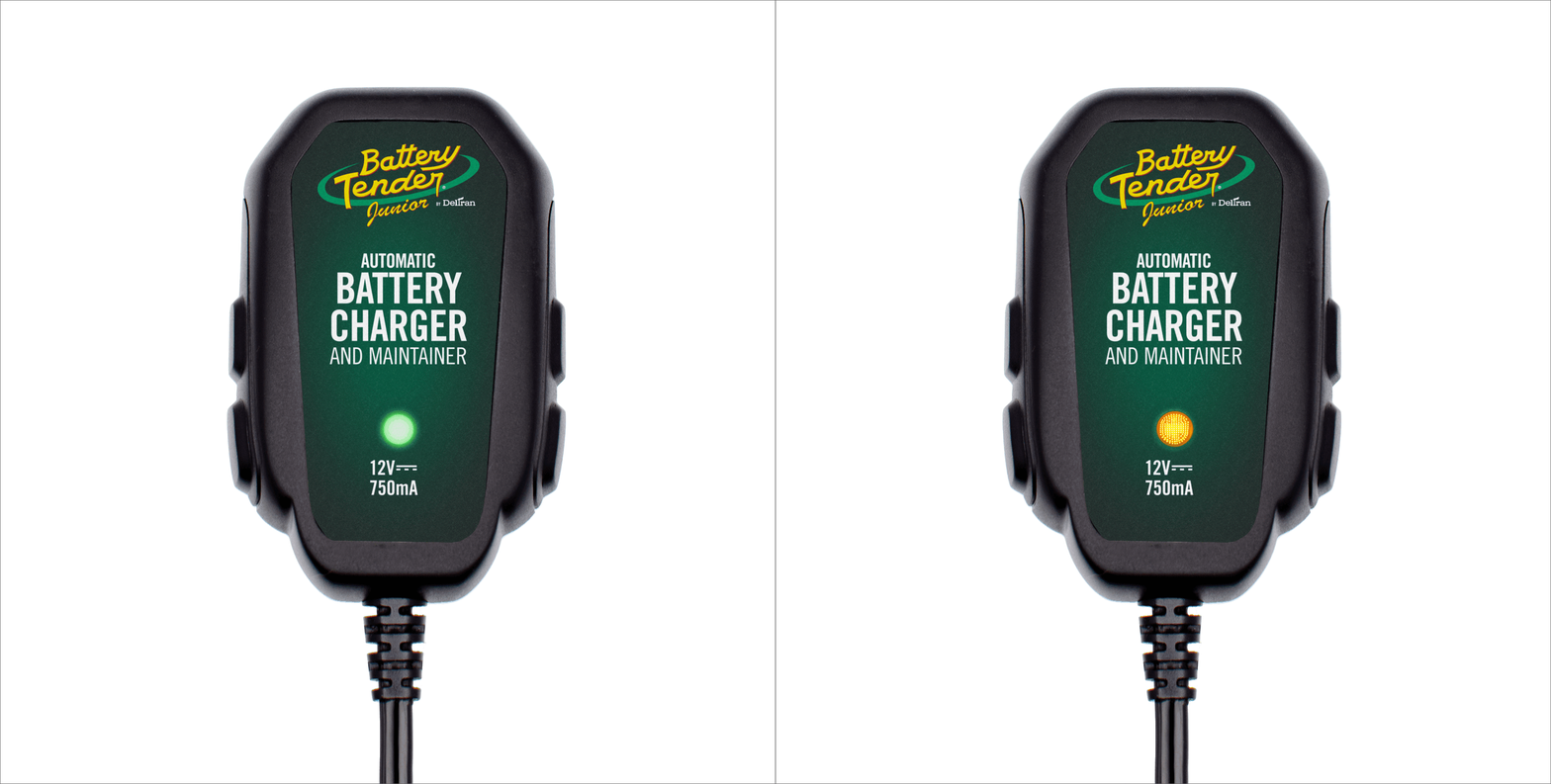
- Flashing amber (or red*): Not charging battery
- Solid amber (or red*): Battery charging
- Flashing green: Battery greater than 80% charged
- Solid green: Monitoring charged battery
*The Battery Tender® Plus 1.25 AMP 12V Battery Charger and Maintainer (SKU 021-0128) uses red LEDs. All other Battery Tender® and PowerTender® charger models use amber LEDs. In both cases, the behavior of the light — solid vs. flashing — communicates the same information.
What Each Light Stage Really Means
Flashing amber or red occurs when the charger detects a battery voltage too low to begin a standard charge cycle, or when there's a connection issue. Think of it as the charger saying "I can see something, but I can't work with it yet."
Solid amber or red is the active charging state — your charger is pushing current into the battery and working toward the 14.6V target. This is exactly what you want to see after connecting to a depleted battery. Expect this stage to last anywhere from a few hours to 72 hours depending on how discharged the battery is.
Flashing green means the bulk charge is complete and the charger has shifted to the absorption phase. The battery is above 80% and being topped off with a controlled trickle.
Solid green is maintenance mode. The battery is fully charged and the charger is in float mode — delivering just enough current to offset natural self-discharge. You can safely leave your Battery Tender® connected indefinitely at this stage without risk of overcharge.
Light Patterns by Product Category
Battery Chargers and Maintainers
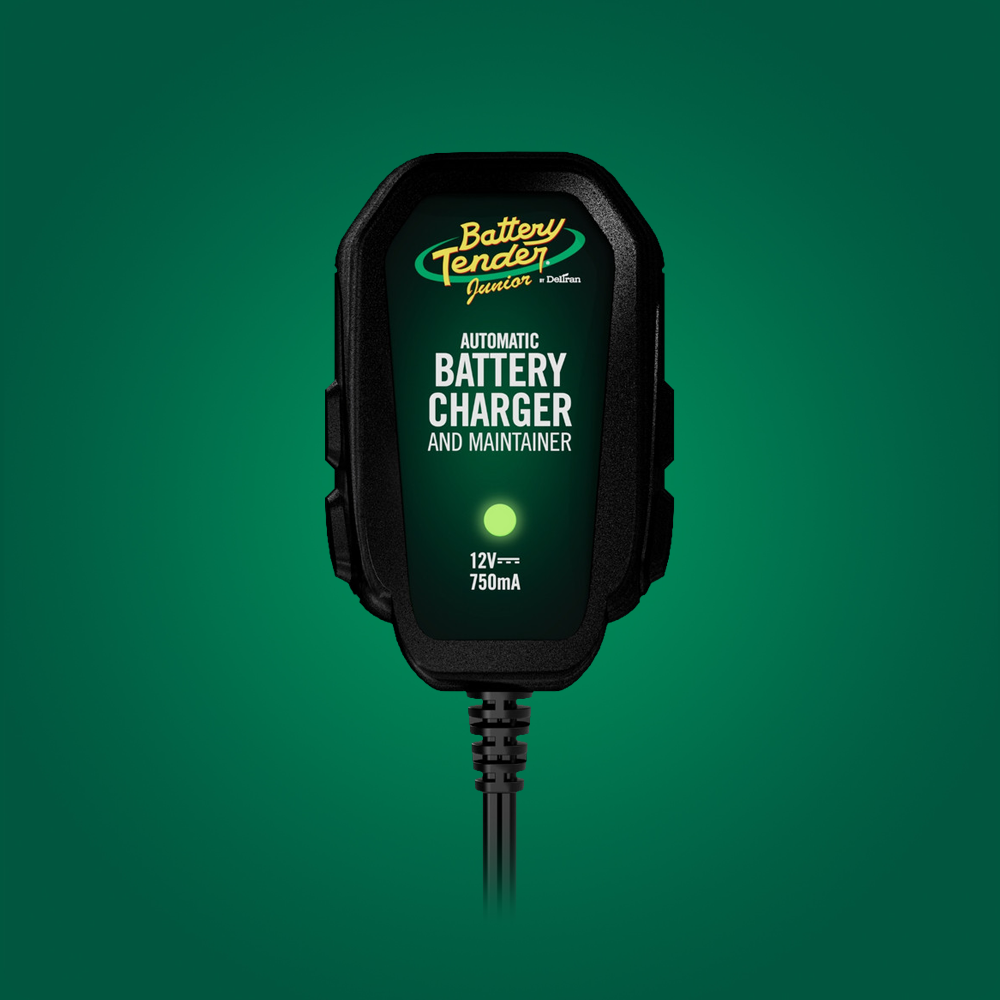
The Battery Tender® Junior 750mA 12V Battery Charger and Maintainer, Battery Tender® Plus 1.25 AMP Selectable 12V/6V Battery Charger, Battery Tender® Weather Resistant 12V 800mA Battery Charger and Maintainer, and the full PowerTender® line all use the amber/green indicator system described above.
The single exception is the Battery Tender® Plus 1.25 AMP 12V Battery Charger and Maintainer (021-0128), which uses red LEDs — but the light behavior is identical.
Multi-Bank Chargers
The Battery Tender® 2-Bank 12V 1.25 Amp, Battery Tender® 4-Bank 12V 1.25 Amp, PowerTender® 5-Bank, and PowerTender® 10-Bank models give each channel its own independent set of indicators. A channel showing solid green has finished charging and is in maintenance mode; channels still showing solid amber are actively charging and haven't reached full charge yet. This is completely normal — each battery charges at its own pace based on how depleted it was when connected.
Jump N Start Light Indicators
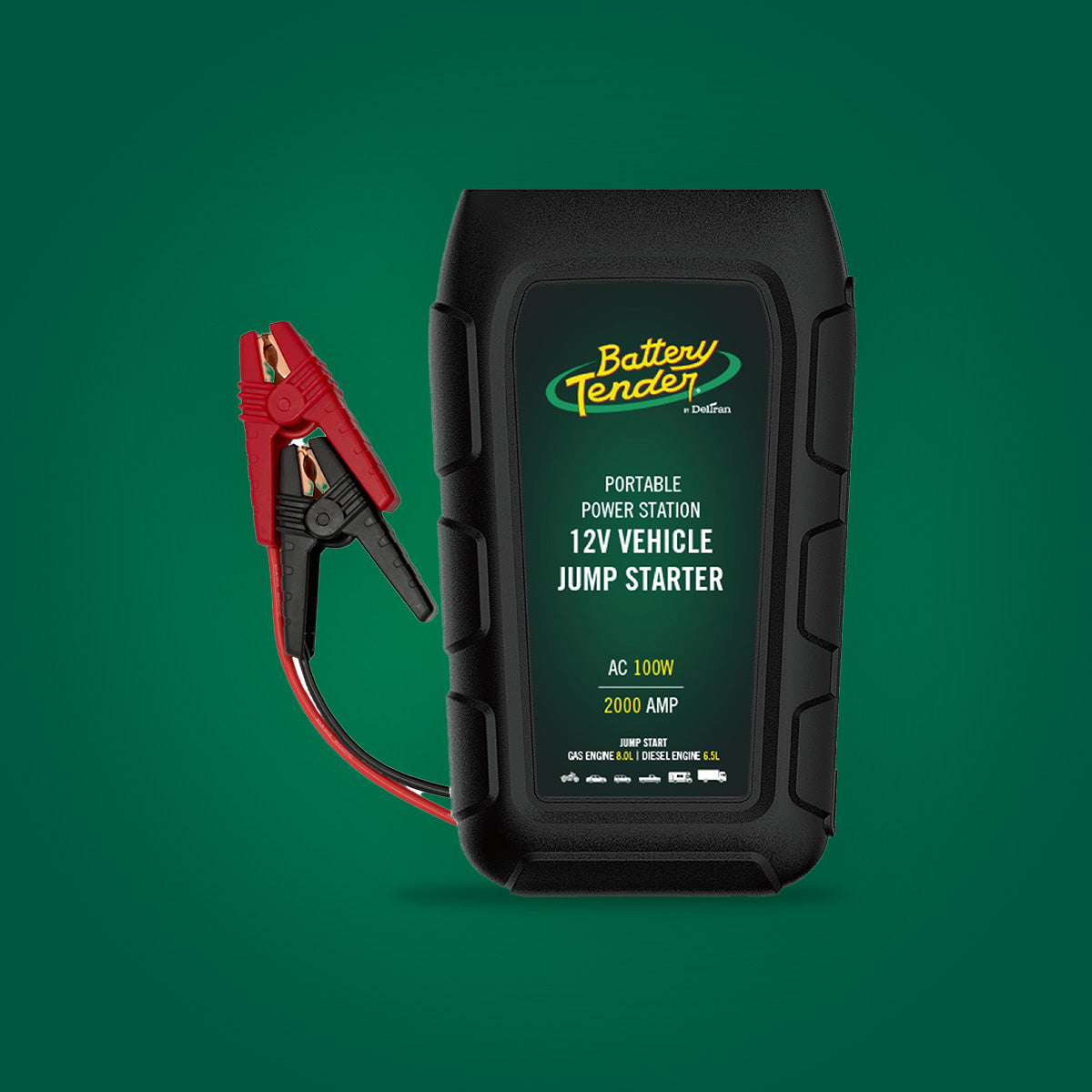
The Jump N Start line — including the Jump N Start 600 Amp Lithium Jump Starter, Jump N Start 1500 Amp Lithium Jump Starter, Jump N Start 2000 Amp Lithium Jump Starter, and Jump N Start 2000 Amp Power Station with 100W Inverter — operates as a portable power unit, not a battery charger. These units have no amber/green charge-cycle display. Instead, their indicators show the unit's own internal battery level, similar to a power bank.
A row of LEDs indicates remaining capacity: all lights lit means fully charged; a single light means critically low. When the unit itself is recharging via USB-C or AC input, the LEDs pulse to indicate charging in progress and glow solid when complete. If your Jump N Start shows only one LED or won't hold a charge, recharge the unit fully before your next use.
Charge N Start Light Indicators
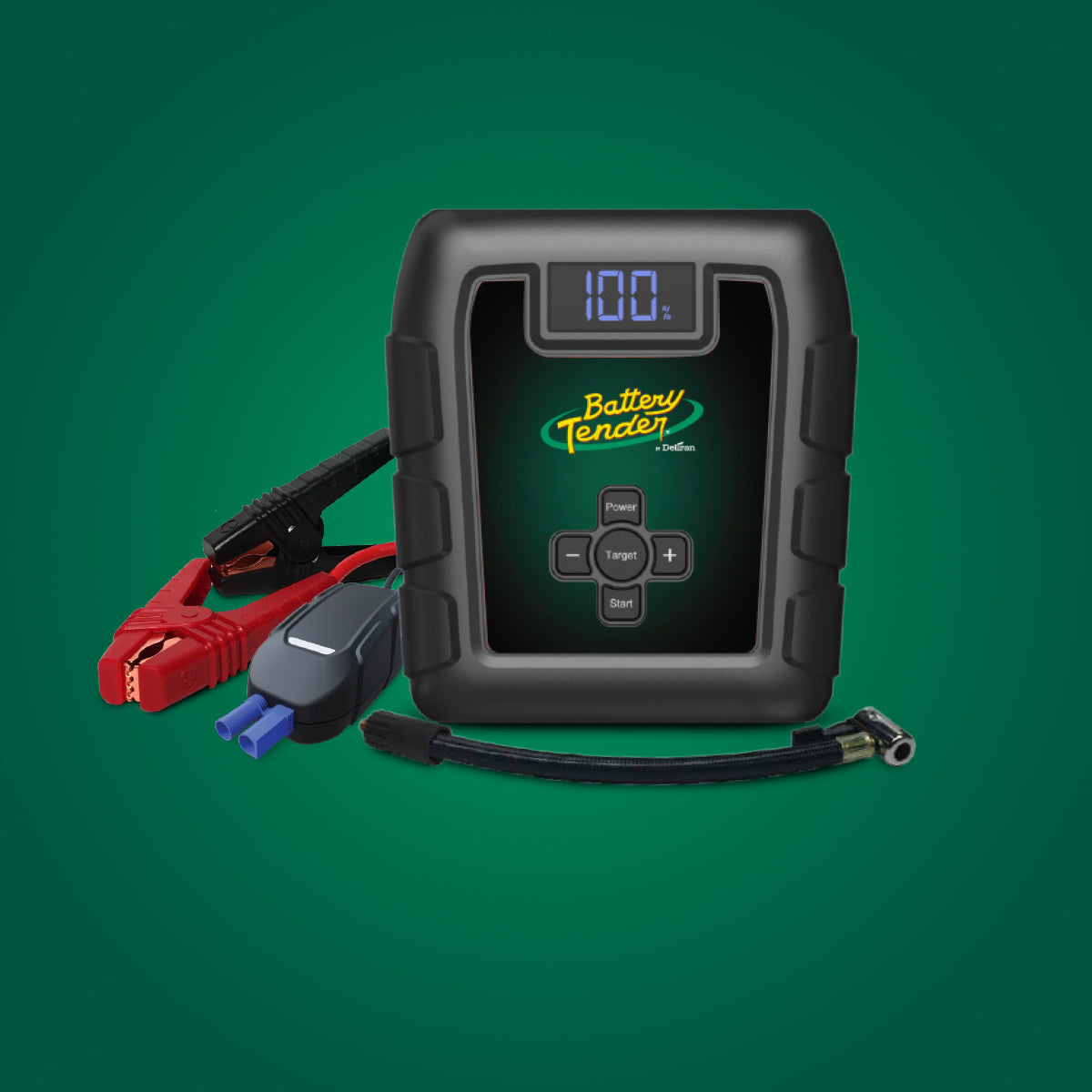
The Charge N Start 1120 (1 Amp Charger & 1200 Amp Jump Starter) and Charge N Start 4120 (4 Amp Charger & 1200 Amp Jump Starter) combine both functions in one unit and therefore have two separate indicator systems.
The charger output side uses the standard amber/green cycle: solid amber while your vehicle battery is actively charging, solid green when it reaches full maintenance mode — identical to any other Battery Tender® charger.
The jump starter side uses the same power-bank-style LED capacity display as the Jump N Start line, independently showing the unit's own internal battery level. The two sets of indicators operate completely independently of each other.
Solar Charger Light Indicators
Battery Tender® solar products — including the 5 Watt Solar 12V Battery Charger with Windshield Mount, 5 Watt Solar 12V Battery Charger with Handlebar Mount, 17 Watt Mountable Solar 12V Battery Charger with Solar Controller, and 35 Watt Mountable Solar 12V Battery Charger with Solar Controller — share the same amber/green indicator logic as traditional chargers, with one important note: output depends on available sunlight.
Charging from solar: When the panel is generating power and current is flowing to the battery, the charger displays solid amber. On overcast days, charging continues at a reduced rate — the indicator looks the same whether conditions are optimal or not.
Battery full / float mode: When the connected battery reaches full charge, the controller shifts to float maintenance and the indicator turns solid green — identical to a wall-powered charger.
No panel input: If the solar panel is shaded, indoors, or covered, the indicator may be off or show a standby state. This is normal — the controller is not receiving enough input to charge.
FAQs About Battery Tender® Indicator Lights
My lights are flashing between amber (or red) and green — what do I do?
If the lights on your unit are alternating between amber (or red) and green, first test the charger on a known-good battery such as your everyday vehicle's battery. If the charger completes a normal cycle on that battery, the original battery is the problem and should be load-tested or replaced. If the alternating pattern continues on the known-good battery, the charger itself may need service — contact Battery Tender® customer support.
My charging light has been on for hours and still hasn't turned green. Is my charger broken?
Not necessarily. The charger needs to bring the battery to 14.6V before transitioning to green. A deeply discharged battery can take up to 72 hours to reach that point. If solid amber persists well beyond 72 hours with no progression, contact our customer service team for further troubleshooting.
My Battery Tender® charger is flashing amber or red — what should I check?
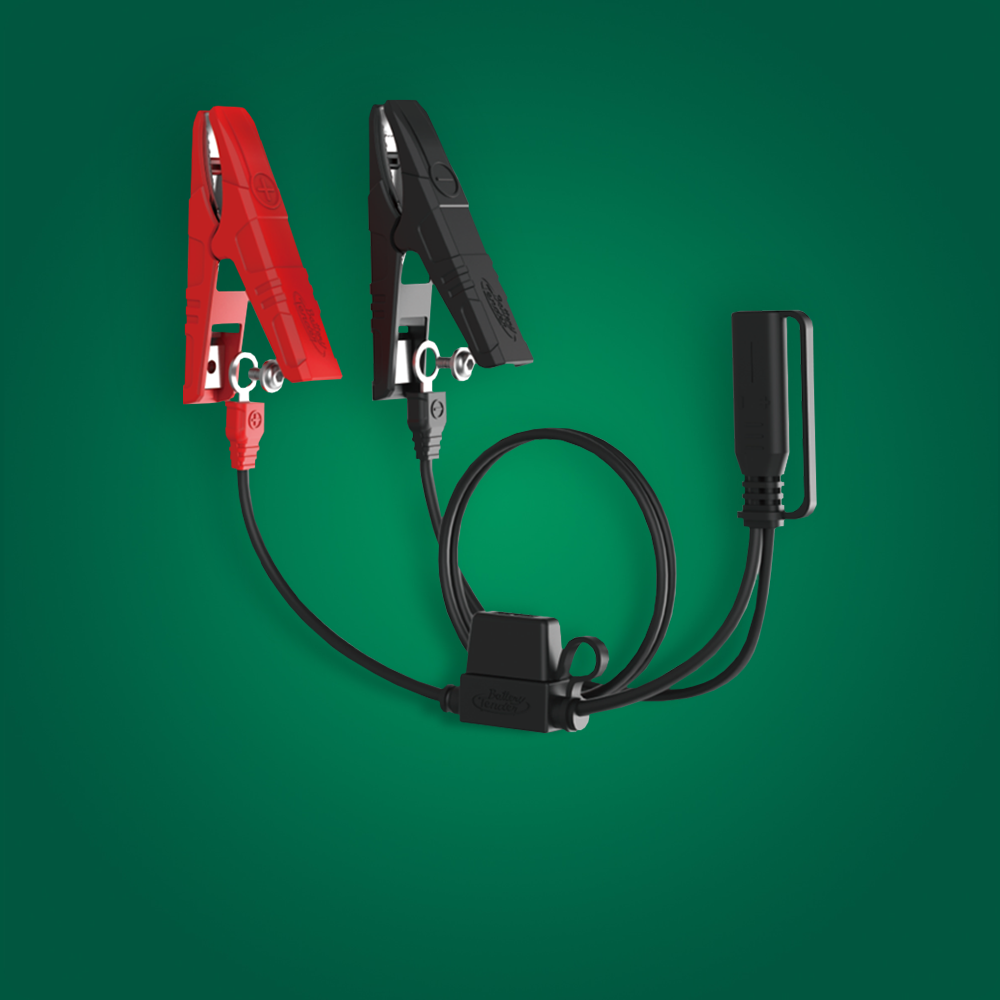
- Check your connections. Confirm ring terminals are fully seated on battery posts, or that alligator clips are making clean metal-to-metal contact.
- Check the fuse. The inline fuse on the positive lead of the quick-disconnect harness is located approximately one inch from the battery. A blown fuse will cause flashing amber or red.
- Check battery voltage. The battery must have at least 3 volts for the charger to recognize it. Below 3V typically indicates a shorted cell.
Can I leave my Battery Tender® connected all winter?
Yes — this is exactly what Battery Tender® chargers are designed for. Float maintenance mode (solid green) keeps your battery at peak voltage without overcharging. Millions of riders store motorcycles, ATVs, and boats for entire seasons with a Battery Tender® connected. Just ensure the connection harness is clean and secure before storing.
My charger shows solid green immediately after connecting. Is that normal?
Check the resting voltage with a multimeter. 12.6V or higher means the battery is genuinely full and the charger correctly entered maintenance mode. Below 12.4V while showing solid green may indicate a bad cell preventing accurate detection.
Tips for Getting the Most from Your Battery Tender®
- Clean terminals before connecting. Corrosion increases resistance and can cause false flashing-amber readings. A terminal cleaner takes 30 seconds and makes a real difference.
- Use the right harness for your application. Ring terminals are best for permanent installation on motorcycles and powersports; alligator clips work well for occasional use on cars and trucks.
- Protect from direct weather. Battery Tender® chargers are weather-resistant, not waterproof — mount the wall unit in a sheltered location.
- A battery that repeatedly discharges to zero is telling you something. A healthy, maintained battery should hold charge for months. Frequent deep discharge is a sign the battery needs testing.
In Conclusion
We know that new technology can be confusing at times. If you have questions about your Battery Tender® product or need assistance, contact our customer service team at support@deltran-global.com or visit batterytender.com to download your product's manual.